# Lip Sync Animation Generator (WITH AUDIO FILES)

There are use cases for many companies to use Audio files instead of Text-to-Speech. This is especially useful if you:

1. Already have a large content library of high quality voice overs
2. Want a specific voice that AI can't produce currently
3. Have a higher need for a realistic voice for your brand loyalty&#x20;

### Audio files vs AI generated Audio <a href="#cu1xpothtpzq" id="cu1xpothtpzq"></a>

| Audio File with Human Generated Speech                      | AI Generated Speech                                                                                  |
| ----------------------------------------------------------- | ---------------------------------------------------------------------------------------------------- |
| **PROS**                                                    | **PROS**                                                                                             |
| Realistic and accurate voice                                | No production/recording cost                                                                         |
| Brand consistency is high                                   | Faster iteration for brand if changes are needed                                                     |
| **CONS**                                                    | **CONS**                                                                                             |
| High production cost (voice actor, recording and mastering) | Robotic Voice, can be inconsistent                                                                   |
| Slower turn around time                                     | Harder to add intonation. E.g. stressing on certain words or saying things with a particular emotion |

Try it here

{% embed url="<https://gooey.ai/Lipsync/>" %}

### VIDEO TUTORIAL: <a href="#id-7e9v4rbb98rg" id="id-7e9v4rbb98rg"></a>

{% embed url="<https://www.youtube.com/watch?v=EJdtC0USujM>" %}

### How do you use Lipsync Animation generator in Gooey.AI? <a href="#id-7e9v4rbb98rg" id="id-7e9v4rbb98rg"></a>

#### Step 1 <a href="#id-3akkpf7ao60t" id="id-3akkpf7ao60t"></a>

Prep your avatar video or photograph. Here are some pointers when choosing your image:

1. Make sure the media is high-resolution
2. Ensure it clearly shows all the features of your talking head
3. The image must be cropped up till bust height
4. Use only human faces

<figure><img src="https://662560811-files.gitbook.io/~/files/v0/b/gitbook-x-prod.appspot.com/o/spaces%2F5BFP5RUm6rTLXk8wUSTf%2Fuploads%2Fg9OASYyB1rI2lmK6f3hn%2FScreenshot%202024-01-03%20120136.png?alt=media&#x26;token=57fefb5d-6b36-467d-b94a-25b93fb852b3" alt=""><figcaption></figcaption></figure>

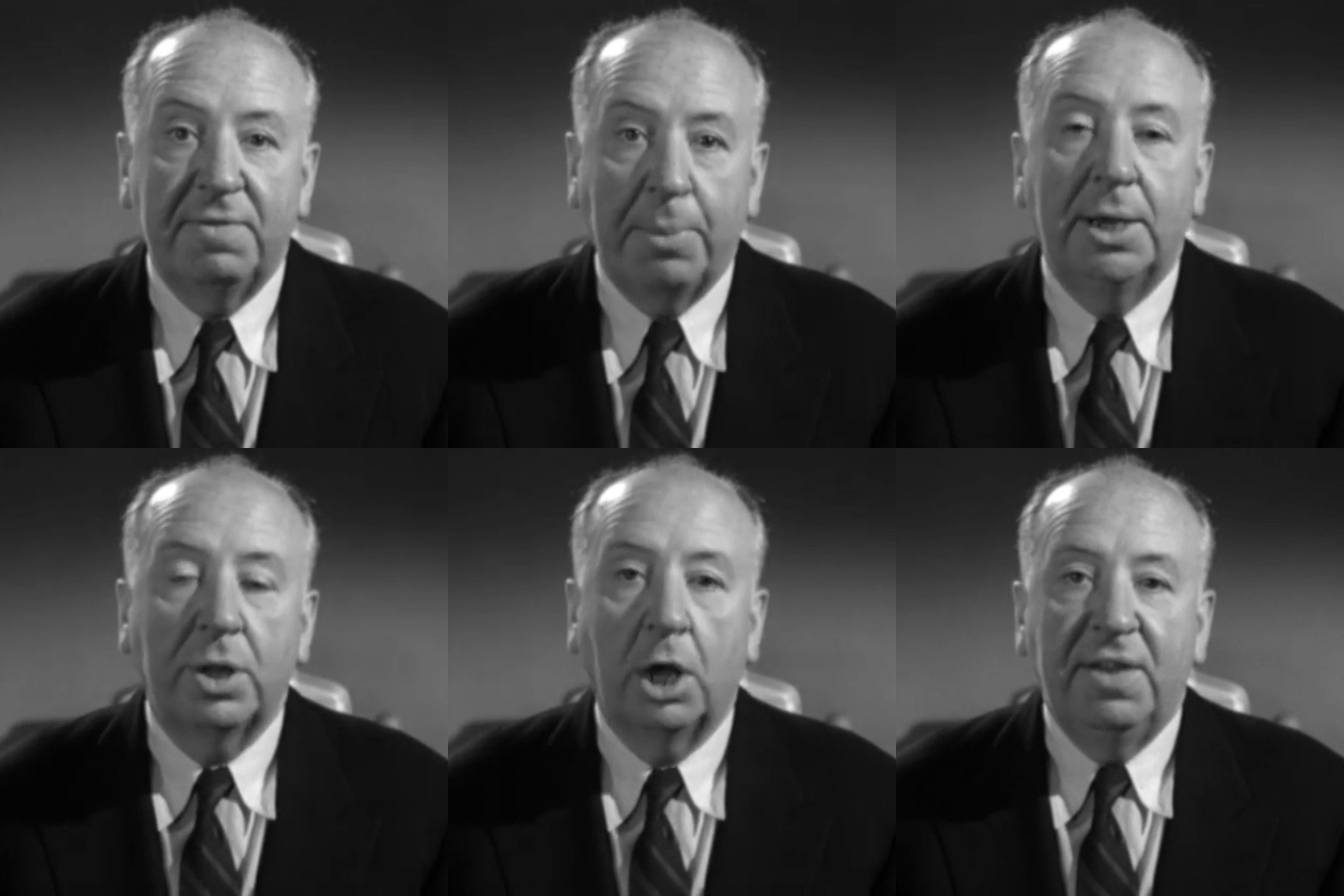
For this example, we have used Alfred Hitchcock! :bird:

<figure><img src="https://storage.googleapis.com/dara-c1b52.appspot.com/daras_ai/media/8c1b1f02-5f66-11ed-a8a9-02420a0000aa/ezgif-5-4ccc215641.gif" alt="" width="375"><figcaption></figcaption></figure>

#### Step 2 <a href="#id-5v4axqcj5yym" id="id-5v4axqcj5yym"></a>

Upload your audio file. This can be in .wav/.mp3 format.&#x20;

<figure><img src="https://662560811-files.gitbook.io/~/files/v0/b/gitbook-x-prod.appspot.com/o/spaces%2F5BFP5RUm6rTLXk8wUSTf%2Fuploads%2Fuf4xrUcsaQS8StHaEZCr%2FScreenshot%202024-01-03%20120430.png?alt=media&#x26;token=000baf5f-3619-4d79-ac8b-fcb309e8cb32" alt=""><figcaption></figcaption></figure>

{% hint style="info" %}
Note: Use shorter pieces of audio, to ensure high quality lipsync with low-latency and minimum distortion.
{% endhint %}

**Our workflow allows for multilingual lip-sync. Try our hindi example below:**

{% embed url="<https://gooey.ai/Lipsync/?example_id=eu8o3GshpBQ>" %}

#### Step 3 <a href="#q7xfnhgt39oc" id="q7xfnhgt39oc"></a>

Hit “Submit” :comet::rocket:

{% embed url="<https://storage.googleapis.com/dara-c1b52.appspot.com/daras_ai/media/d25e4d82-4b73-11ee-9484-02420a0001b2/gooey.ai%20lipsync.mp4>" %}

Try it here:

{% embed url="<https://gooey.ai/Lipsync/>" %}

### Advanced Settings <a href="#bek5b9uth2re" id="bek5b9uth2re"></a>

#### Face Padding <a href="#id-7micoj491pkj" id="id-7micoj491pkj"></a>

You can use the “Face Padding” settings to improve the accuracy of the detected face in the image/video. This ensures that the Lip Sync video looks more realistic.

![](https://662560811-files.gitbook.io/~/files/v0/b/gitbook-x-prod.appspot.com/o/spaces%2F5BFP5RUm6rTLXk8wUSTf%2Fuploads%2Fo4y8vrGJXmYzWeNoNrd9%2F2.png?alt=media)


---

# Agent Instructions: Querying This Documentation

If you need additional information that is not directly available in this page, you can query the documentation dynamically by asking a question.

Perform an HTTP GET request on the current page URL with the `ask` query parameter:

```
GET https://docs.gooey.ai/speech-and-language/how-to-use-ai-lip-sync-generator/lip-sync-animation-generator-with-audio-files.md?ask=<question>
```

The question should be specific, self-contained, and written in natural language.
The response will contain a direct answer to the question and relevant excerpts and sources from the documentation.

Use this mechanism when the answer is not explicitly present in the current page, you need clarification or additional context, or you want to retrieve related documentation sections.